Alerts
Alerts tell you when something in your inventory needs attention — a license is about to expire, an asset's been checked out for too long, a critical CI just went Degraded.
You define rules. The system runs them on a schedule (or in response to events) and notifies you when a rule matches.
Two kinds of rules
| Kind | When it runs | Example |
|---|---|---|
| Scheduled | On a recurring schedule (daily, weekly) | "Email me every Monday with licenses expiring in 30 days" |
| Event-driven | When a specific event happens | "Notify me whenever a Critical CI moves to Degraded" |
Creating an alert
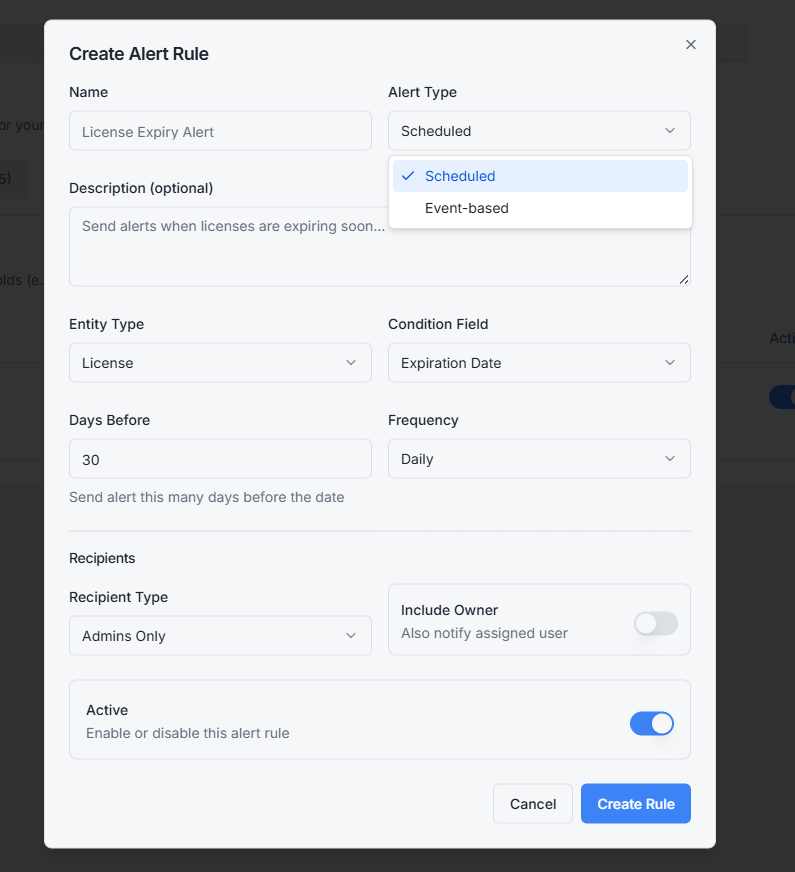
Go to Settings → Alerts → New Alert.
You'll set:
- Name and description — for your own reference
- Trigger — scheduled or event
- Conditions — what has to be true (e.g. license expires within 30 days, asset status = Lost, CI environment = Production AND status = Degraded)
- Actions — what happens (email, webhook, in-app notification)
Conditions can chain with AND/OR. You can target assets, licenses, or CIs.
Testing an alert
Click Test before saving. The system runs the rule against your current data and shows you what would have triggered. If you get zero matches, your conditions are too narrow. If you get hundreds, they're too broad.
This is how you avoid the classic "I set up an alert, then got 4,000 emails on Monday morning" problem.
Alert history
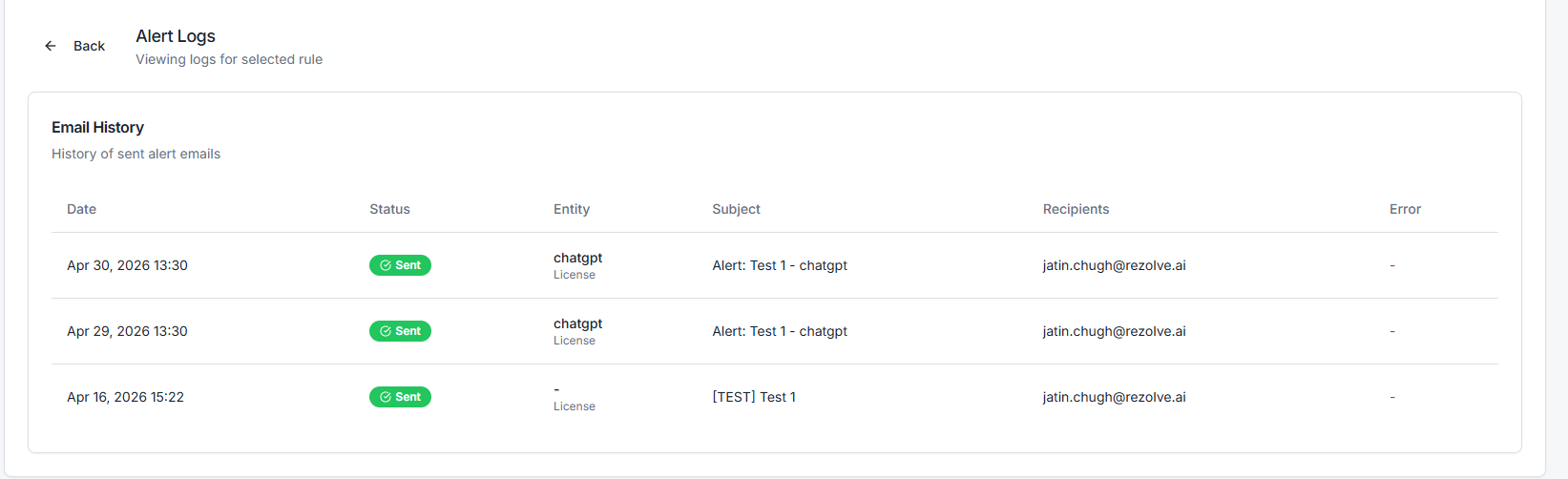
Every alert run is logged: when it ran, what it matched, what notifications fired. Open the alert and click History to see past runs.
If something feels off — alerts not firing, firing too often — the history is the first place to look.
Common alert patterns
A few rules most teams set up early:
- License expiring in 30 days — scheduled weekly
- License expiring in 7 days — scheduled daily
- Asset checked out > 90 days without return — scheduled weekly
- Asset moved to Lost — event, immediate
- Critical CI status changed — event, immediate
- New device discovered via RMM — event, daily digest
Related topics
- Licenses — for expiry tracking
- CMDB — for criticality and environment fields
- Reports and Dashboards — for ad-hoc rather than scheduled views