Overview
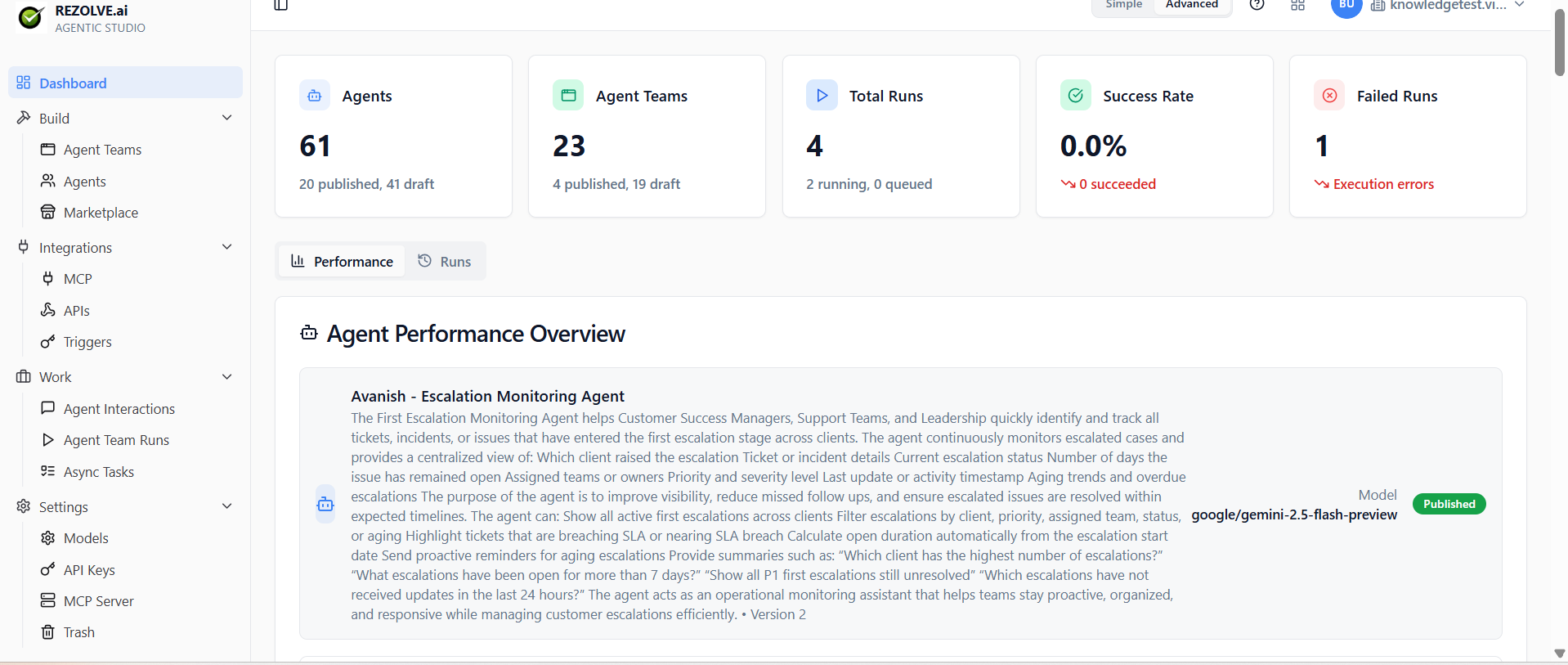
Agent Studio is where you build AI agents and put them to work.
An agent is a model with instructions, tools, and access to your data. You give it a job ("answer support tickets", "summarise pull requests", "schedule customer follow-ups") and it does the job — calling tools, asking for information, and producing a result.
By default, agents run on Rezolve Otto - a family of native LLMs tuned for ITSM, HRSM, and finance service-management workflows and hosted on Rezolve-managed infrastructure. Otto IT and Otto HR ship enabled out of the box; Otto Finance is available on opt-in. You can also enable third-party providers (Anthropic, OpenAI, Google) per tenant, or tune your own custom Otto model. See Models for the full picker.
An agent team (also called an "app") is several agents wired together. One agent receives the request, decides what's needed, and delegates to specialist agents. The user sees one chat; under the hood there's a small team.
You can use Agent Studio to:
- Build a single agent in minutes — pick a model, write the instructions, attach tools.
- Compose agents into apps with an entry-point agent that routes to specialists.
- Trigger agents on a schedule, on a webhook, or from a chat.
- Share an agent or app as a public chat URL.
- Connect tools via MCP or any external API.
- Watch what your agents do — every interaction, every tool call, every result.
If you've used a chat-style AI tool, you've used the consumer side of this. Agent Studio is the builder side: where you design the agent, hook it to your systems, and ship it.
The rest of this section walks through it, starting with Getting Started.