Live Calls
The Live Calls page (/voice/live-calls) provides real-time visibility into all calls currently being handled by VoiceIQ.
Live Call Monitor
At the top of the page:
| KPI | Description |
|---|---|
| Active Calls | The number of calls currently in progress. |
| Departments Engaged | The number of Departments currently handling a live call. |
When no calls are active, an empty state message is displayed.
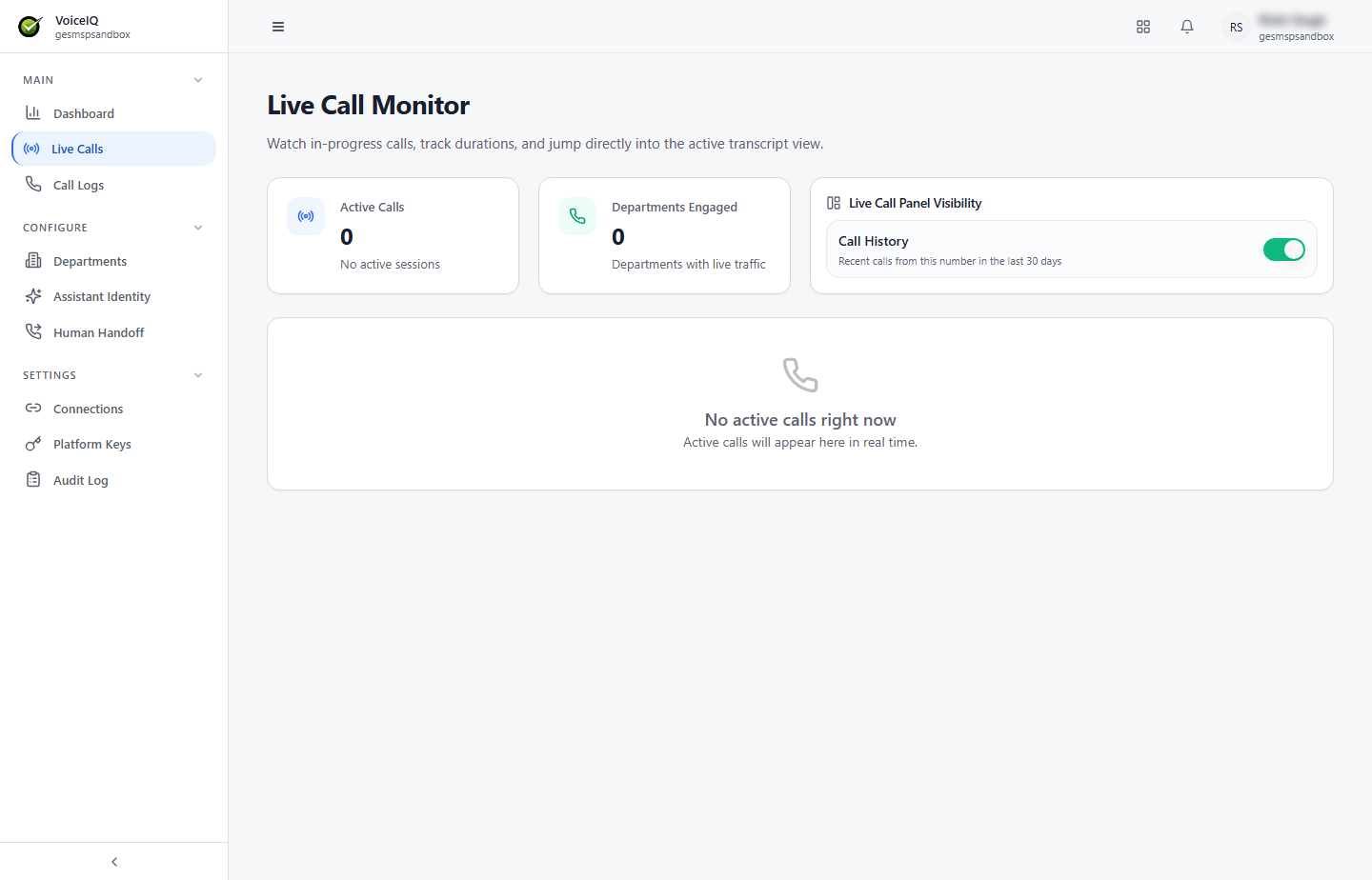
Live Call Panel Visibility
A toggle controls whether the live call panel (which shows real-time call details) is visible. This can be turned on or off at any time.
Call History
The Call History panel lists recent calls from the same phone number in the last 30 days.
note
The Live Calls page reflects the current active state at the time of viewing and does not auto-refresh unless the user reloads the page.