Workspace Management
Customer Isolation
Each Customer's data is kept separate from other Customers in the following areas:
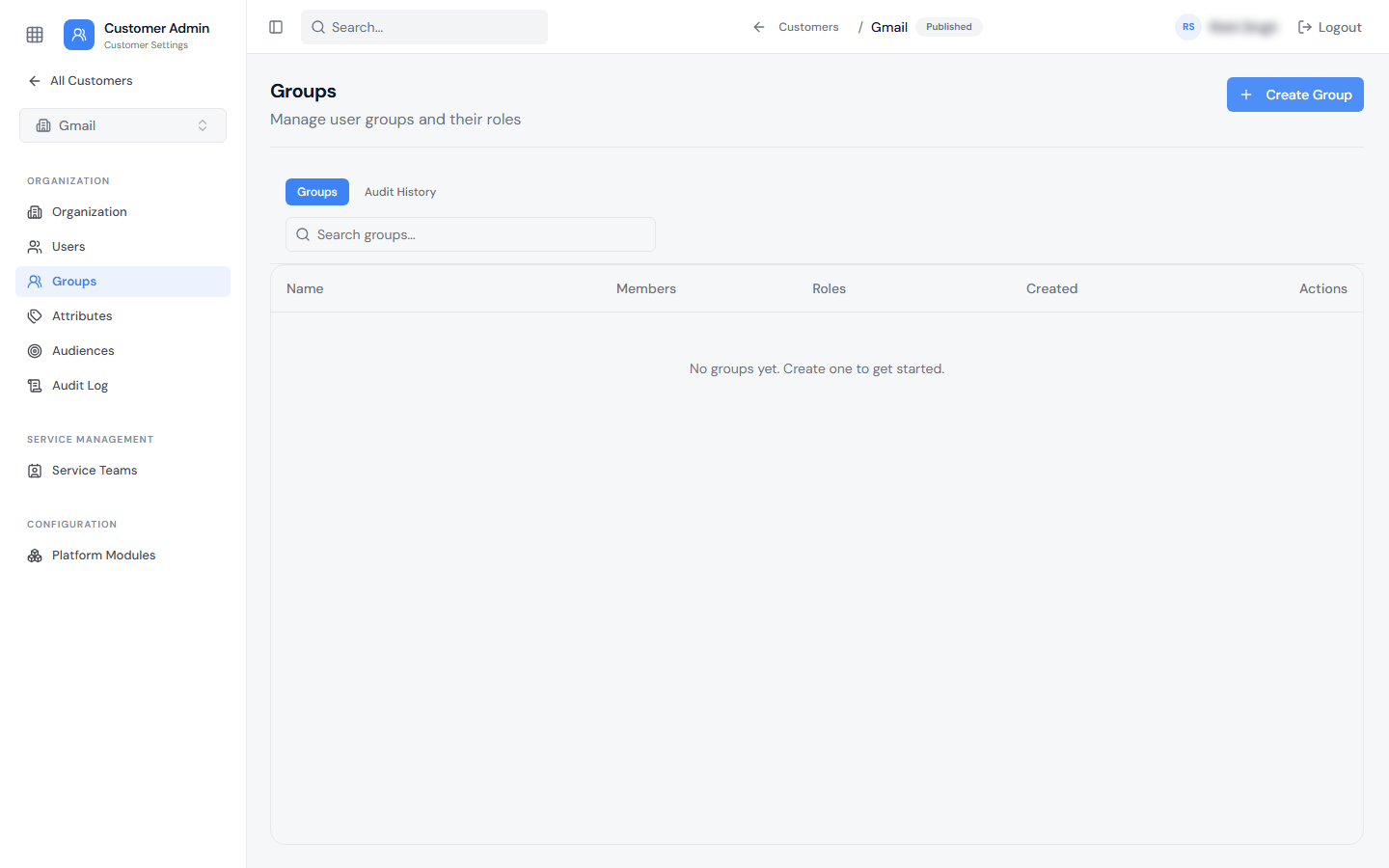
- Users — each Customer has its own user list.
- Groups — groups are defined within a specific Customer and can only include Customer-level roles.
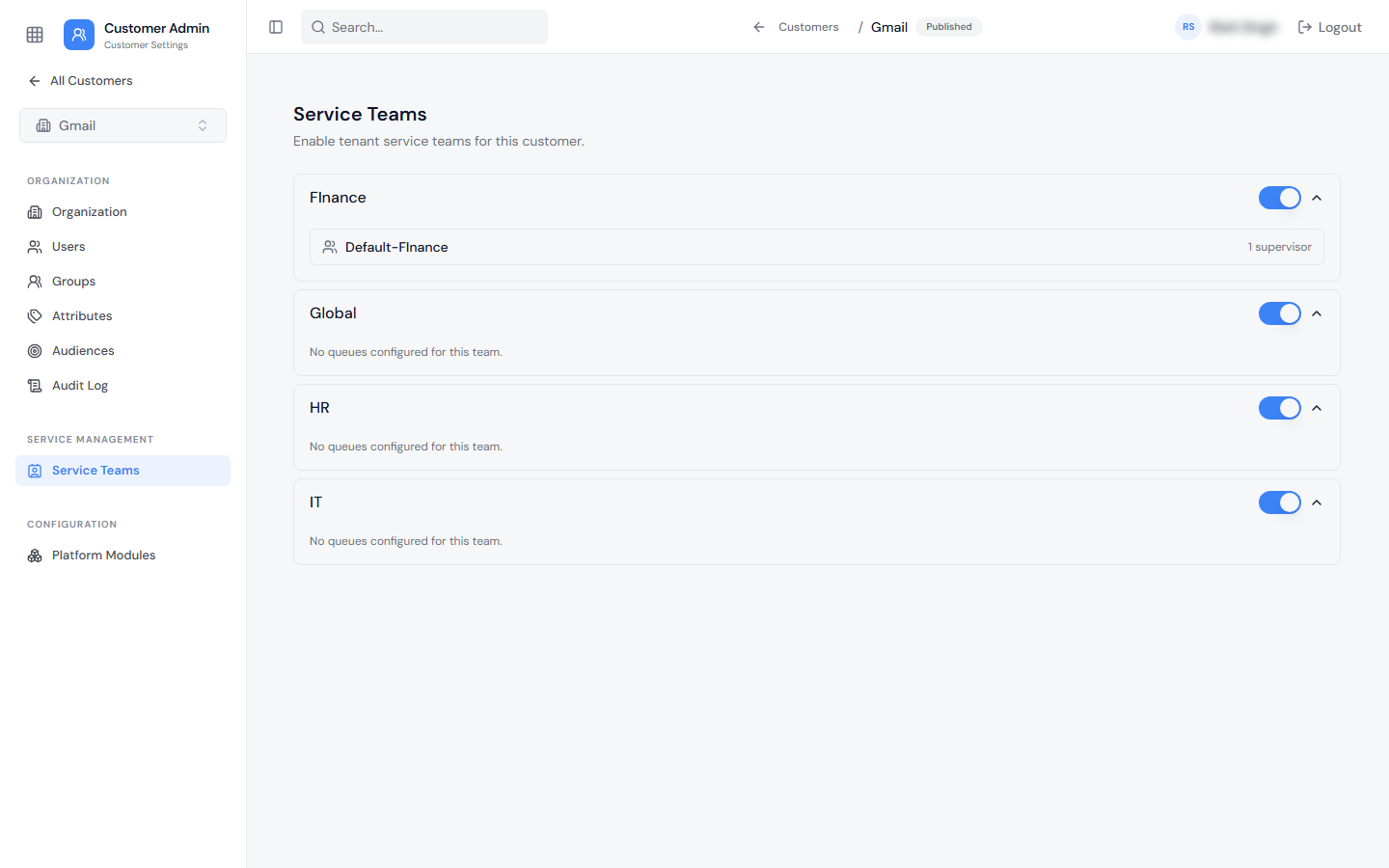
- Service Teams and Queues — only the queues enabled for a given Customer are available on the Agent UI for that Customer's tickets.
- Attributes and Audiences — Customer Attributes and Customer-specific Audiences apply only within that Customer.
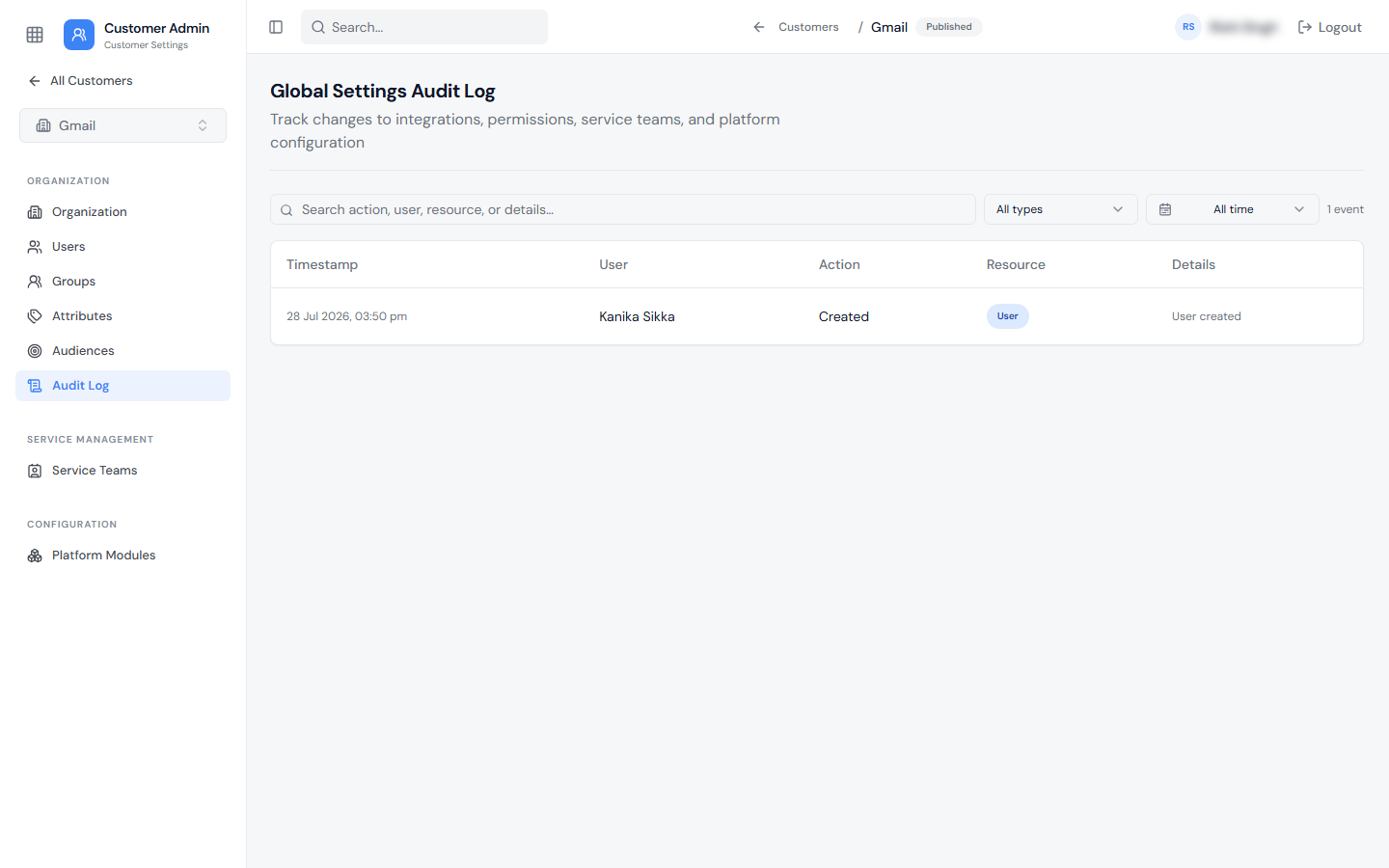
- Audit Logs — each Customer maintains its own audit history.
- Service Portal — look and feel can be configured independently per Customer.
- Tickets and Reporting — ticket visibility is scoped by role so that Customer Users and Customer Executives only see tickets belonging to their own Customer.
Each Customer has its own settings area with Organization, Users, Groups, Attributes, Audiences, Audit Log, Service Teams, and Platform Modules pages. Use the Customer switcher at the top of the sidebar to move between Customers.
Roles and Permissions
| Role | Scope | Ticket Visibility (Agent UI & Reports) | Notes |
|---|---|---|---|
| MSP Administrator (Tenant Admin) | Tenant-wide | All tickets, across all Customers | Full visibility and management across all Customers |
| Customer Executive | Customer-level | All tickets belonging to their own Customer | Can be a Customer Group owner or member |
| Customer User | Customer-level | Only their own tickets | Can be a Customer Group owner or member |
| Ticket User | General (not Customer-specific) | Can submit tickets | Can be combined with a Customer-level role |
| Bot User | General (not Customer-specific) | Can submit tickets (typically automated/bot accounts) | Can be combined with a Customer-level role |
Customer-level roles are currently limited to Customer User and Customer Executive. Additional Customer-level roles may be introduced in future releases.
Customer-Specific Configuration
The following can vary by Customer:
- Email domain(s)
- Customer Attributes (e.g., Entitlement: Premium/Standard)
- Customer-specific Audiences
- Groups (Owner/Members)
- Service Teams and which Queues are enabled
- Module enablement (e.g., Ticketing on/off for that Customer)
- Service Portal look and feel
- SLA targets, where configured based on Customer Attributes