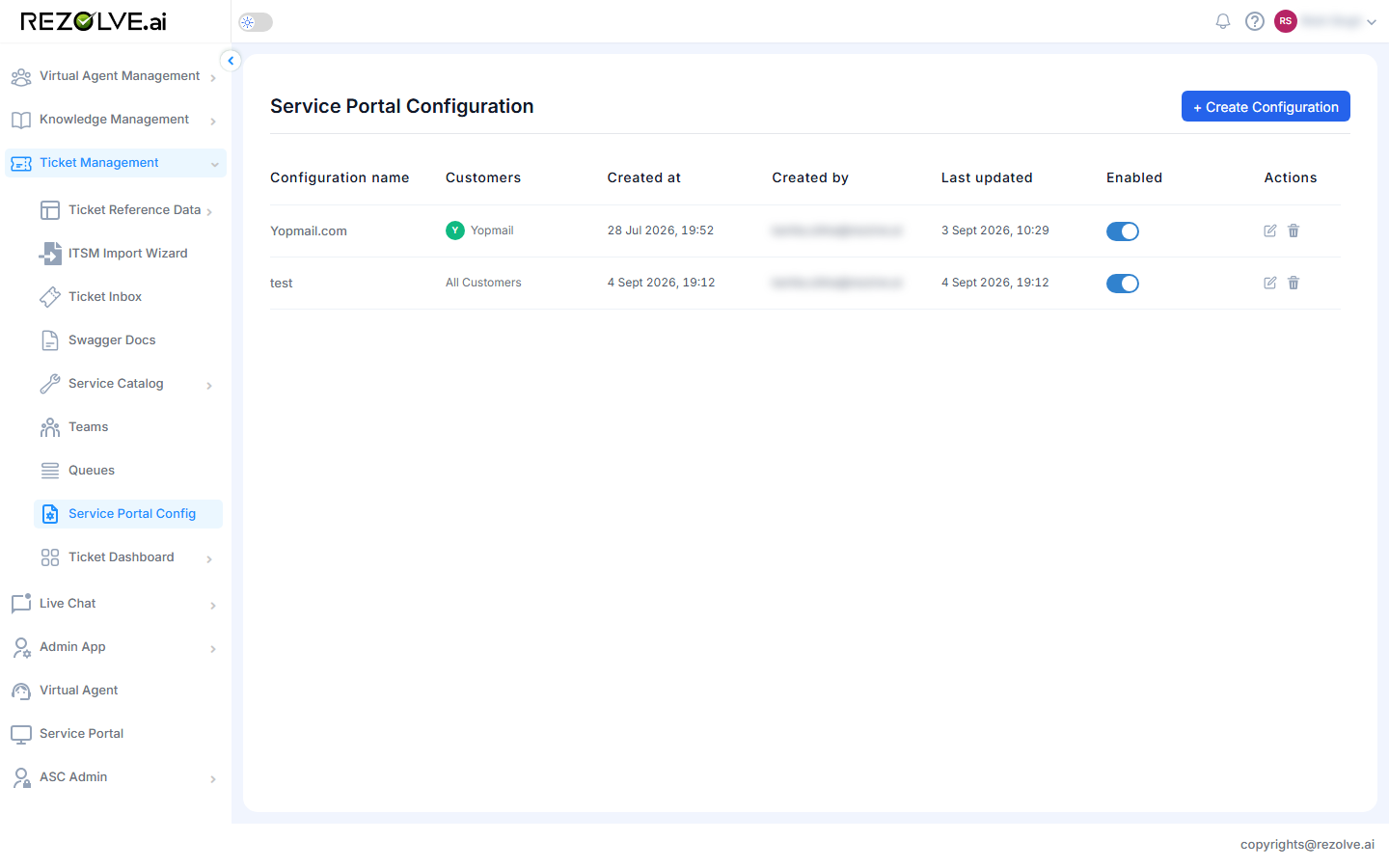
Service Portal Configuration
Service Portal per Customer
After logging in, Customer User, Customer Executive, Ticket User, and Bot User roles are routed to the Service Portal. Access to the Agent UI or dashboards from the Service Portal is provided through app switches on the Service Portal page. Visibility of these apps is controlled by the Service Portal configuration, in line with each module's subscription/activation status.
Service Portal Configuration
Look and feel can be configured per Customer from the Service Portal Configuration page:
- You can create more than one configuration for a given Customer, but only one can be active at a time.
- If no configuration is active, the default Service Portal configuration takes priority.
Service Portal Configuration List
All Customer Service Portal configurations are listed here, and each can be turned on or off.