Audience Management
Audiences in MSP control the visibility of Service Catalog fields and offers on the Agent UI, scoped to specific Customers or Customer attribute values.
Customer-Specific Attributes and Audiences
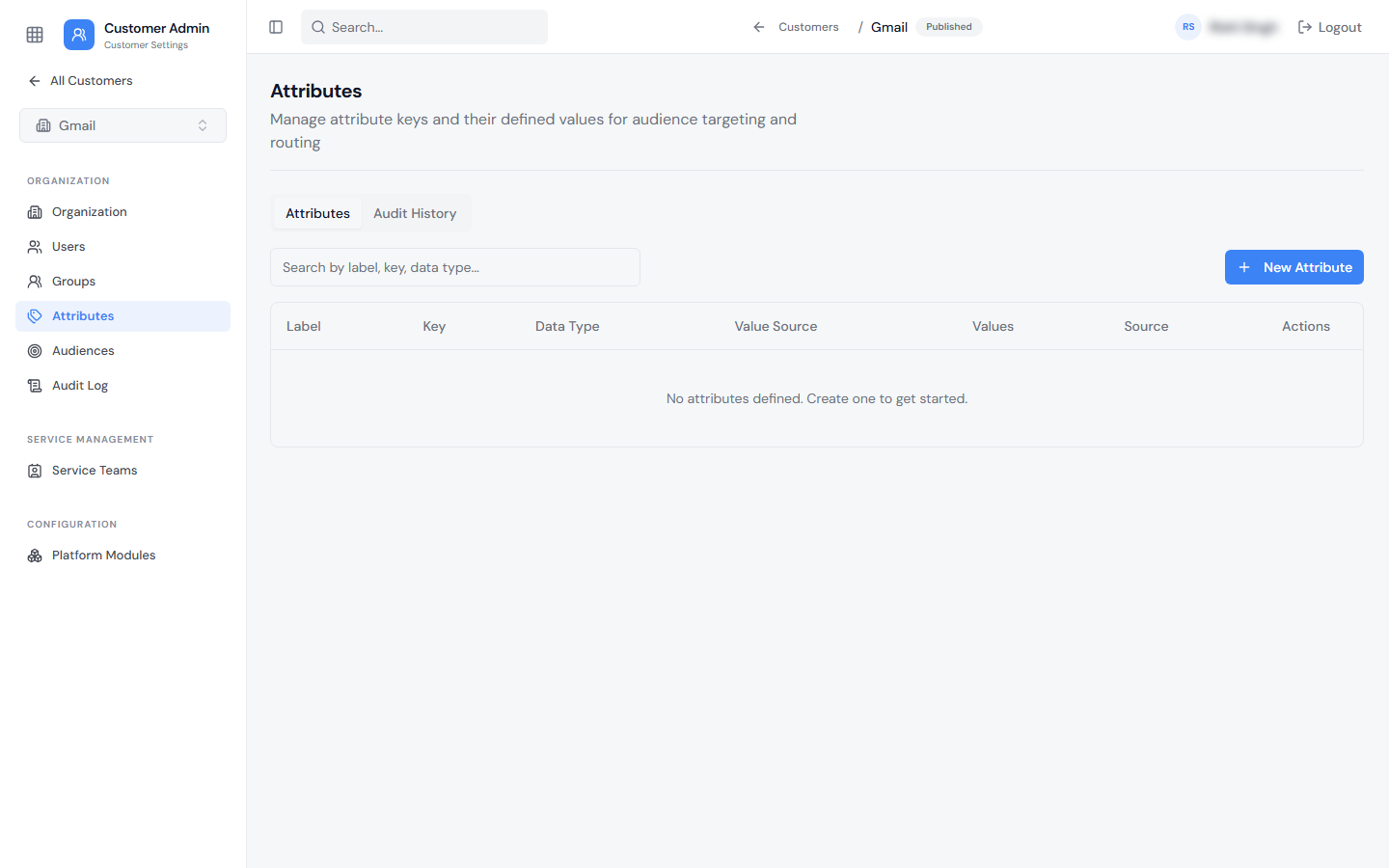
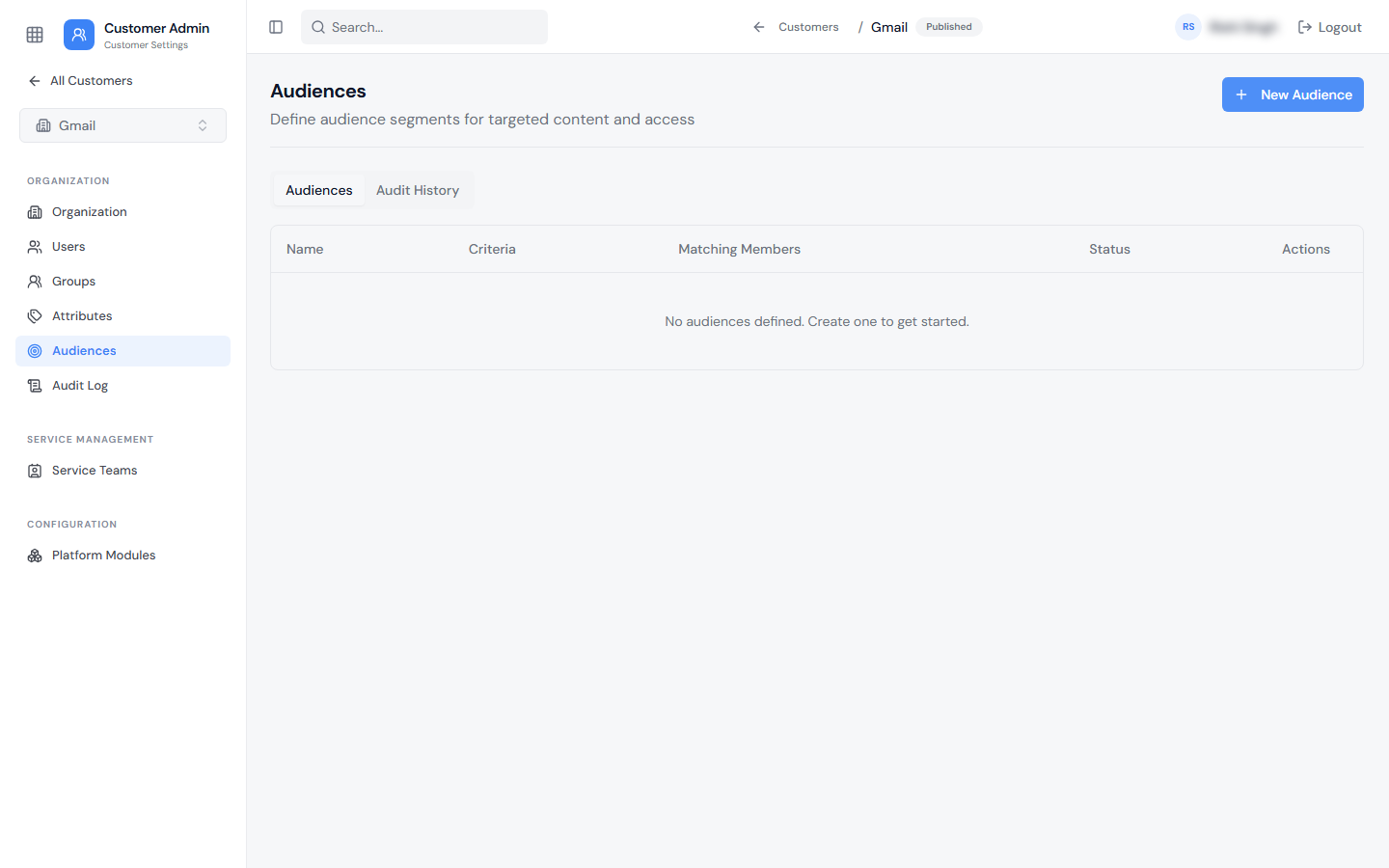
A Customer Attribute (e.g., "Plan Duration") can be created for a specific Customer, then used to build a Customer-specific Audience (e.g., an audience defined by Plan Duration = Yearly). This audience can then be used on the Service Catalog side to show or hide fields or offers on the Agent UI.
Tenant-Level Attributes and Audiences
A Tenant Attribute can be created at the tenant level and used in a tenant-level Audience that targets a specific Customer and one of that Customer's attribute values (for example, an audience for "ABC Corporation" customers with Entitlement = Standard). This audience can likewise be used to show or hide Service Catalog fields or offers on the Agent UI.
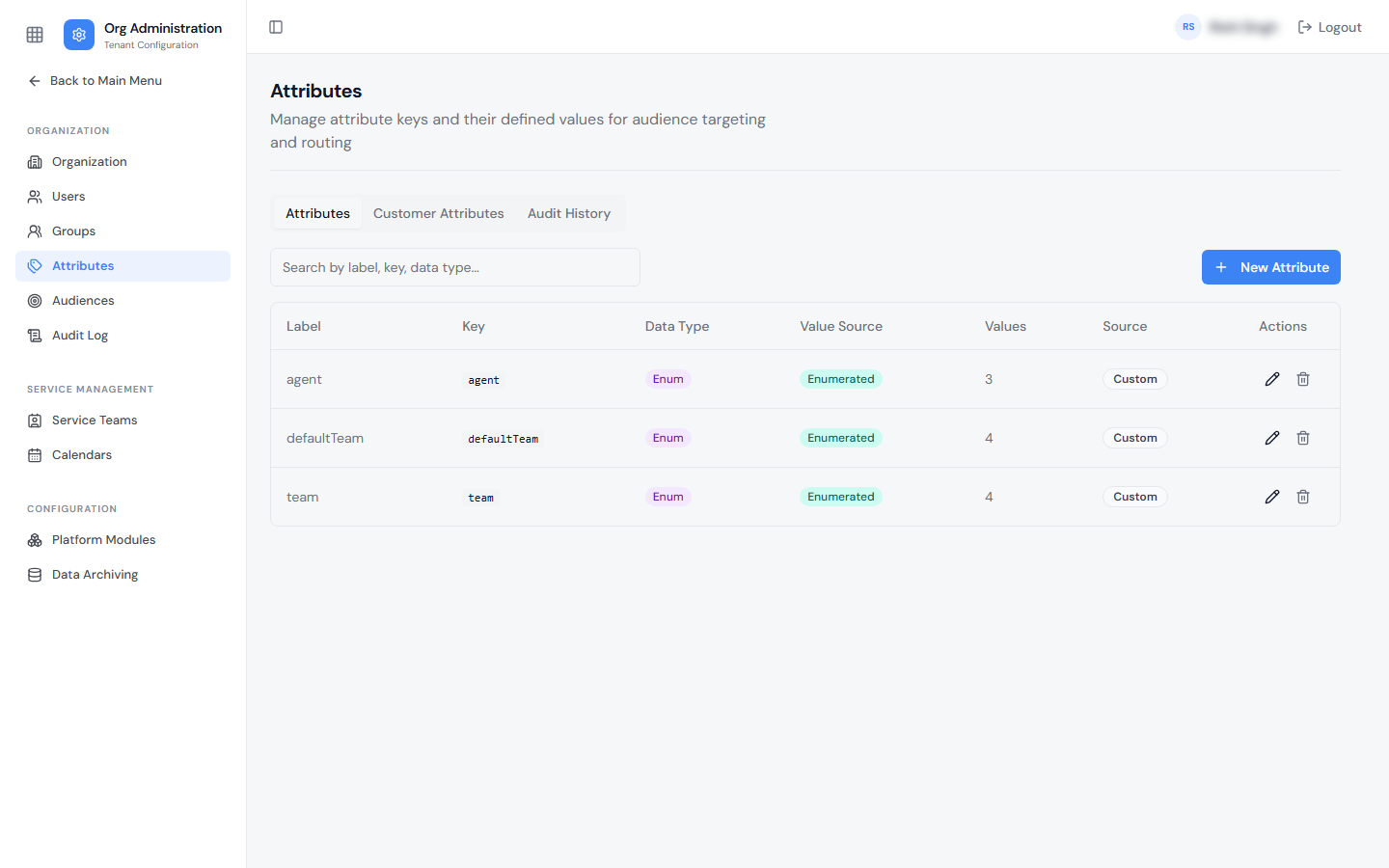
Tenant Attributes are managed from Org Administration → Attributes. The Customer Attributes tab on the same page lists attributes defined for Customers.
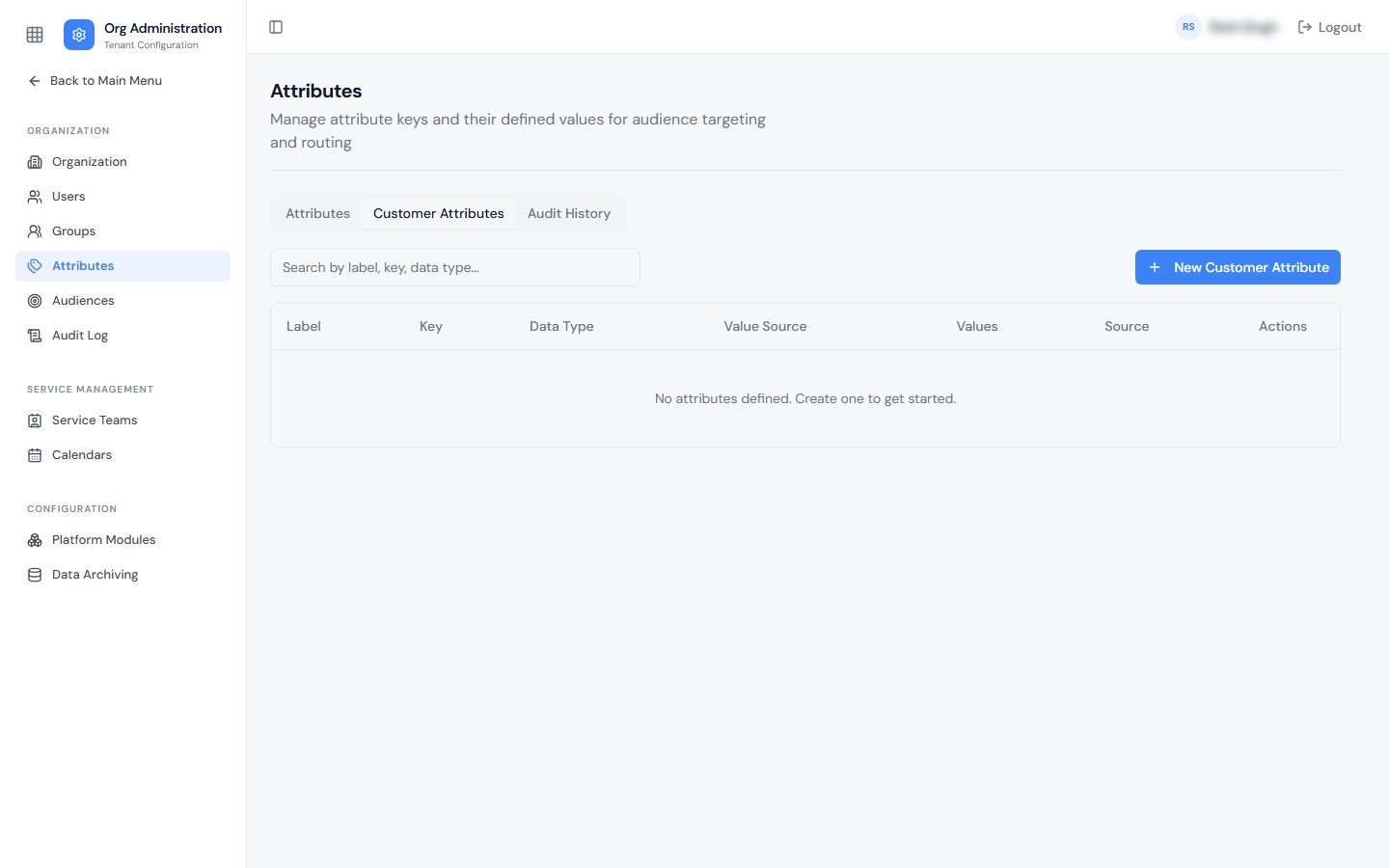
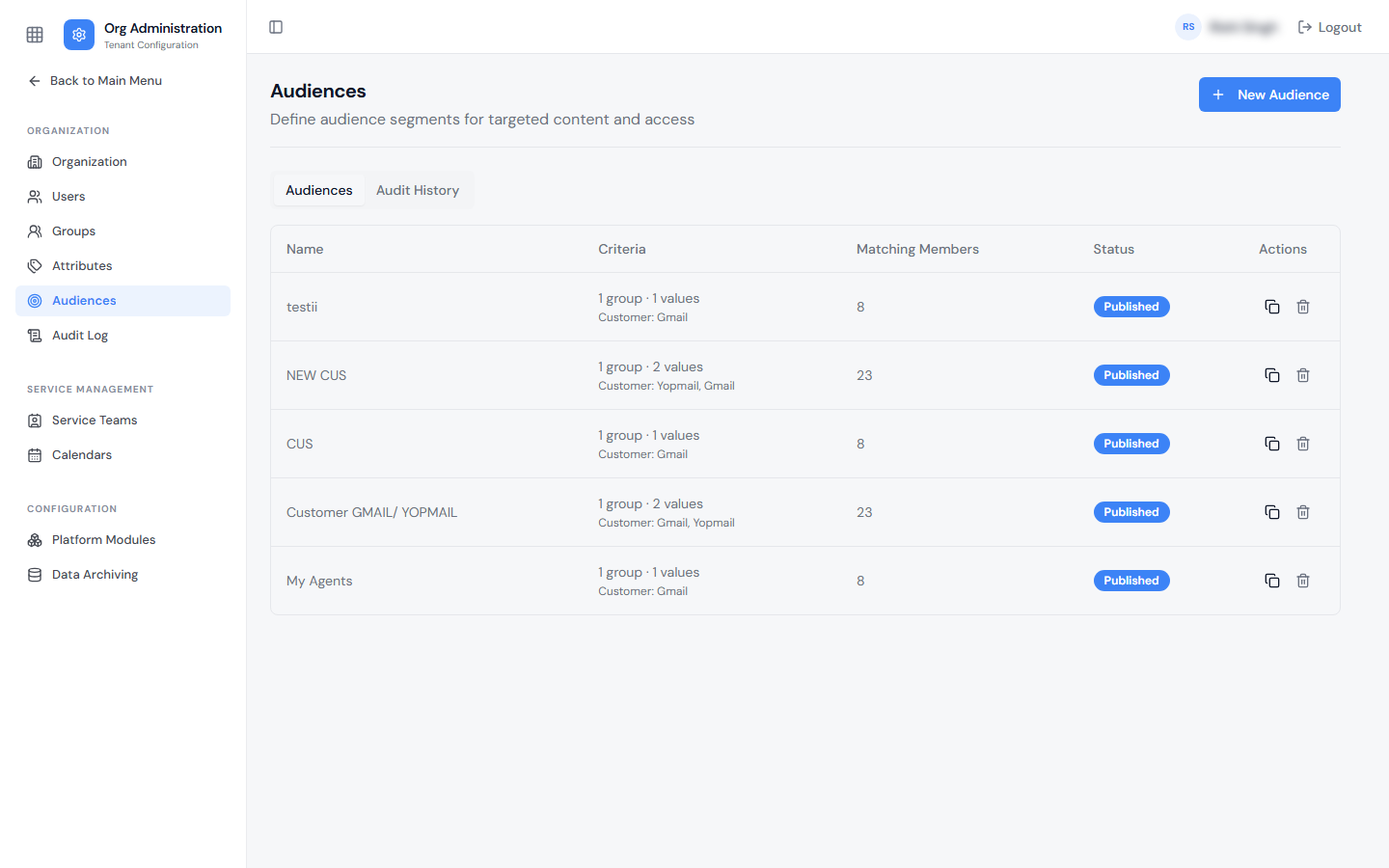
Tenant-level Audiences are managed from Org Administration → Audiences. The Criteria column shows which Customers each audience targets.
Summary
| Attribute Type | Audience Type | Scope |
|---|---|---|
| Customer Attribute | Customer-specific Audience | Applies within a single Customer only |
| Tenant Attribute | Tenant-level Audience | Can target a specific Customer + attribute value |